 Horme
HormeGet going in under a minute
Free, no account required, working offline from the very first launch. An account is only needed if you want to sync across devices or sign in to the web dashboard.
On your wrist, on your home screen
and out on the road
What you check twenty times a day should not cost you opening the app, and a run should not cost you looking at the screen. These are the places where Horme works without you watching it.
Four watch apps
Wear OS, Apple Watch, Garmin and HarmonyOS. All four show the same day at a glance — training, water, nutrition and streak — and log sets without touching your phone.
The HarmonyOS one can also train standalone, with no phone.
GPS cardio, in your pocket
Recording a run, walk or ride needs no watch: the phone measures distance, pace, elevation and route, and calls out every kilometre by voice with the screen off.
The track stays on the phone: it is never synced to any server.
6 widgets on iPhone
On the home screen and the lock screen: Today, Training, Nutrition and Water. You tap the water one and the glass is logged right there — it is not a picture of the number.
Plus three Apple Watch complications: readiness, the day’s pulse and today’s workout.
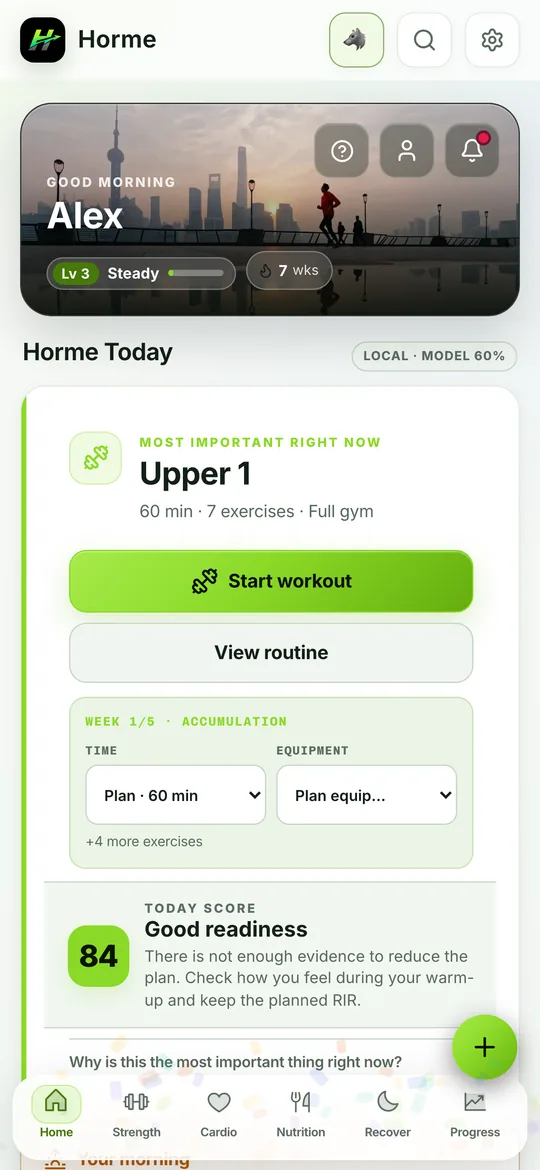
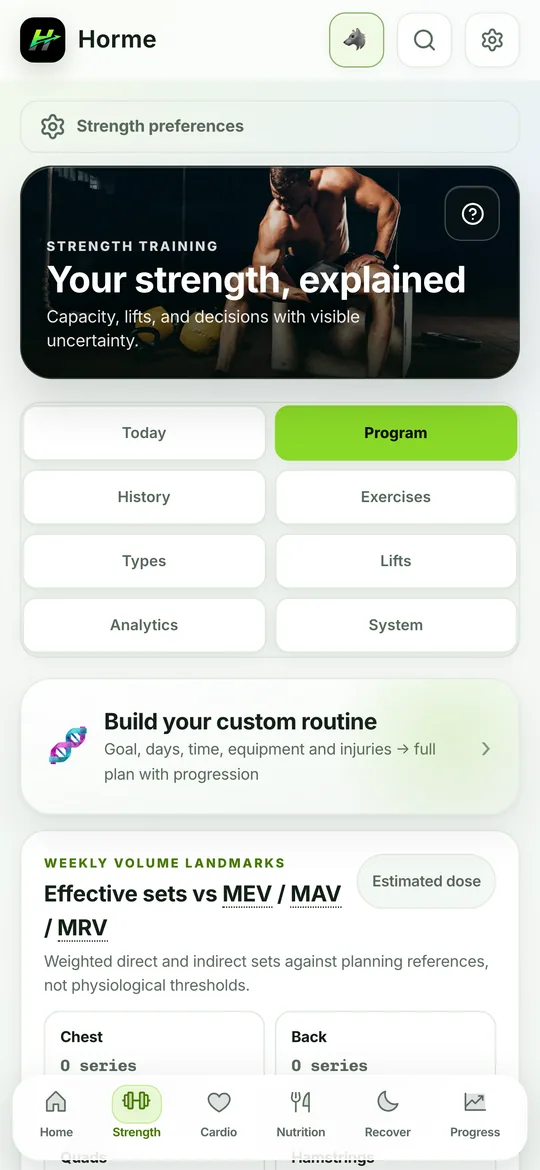
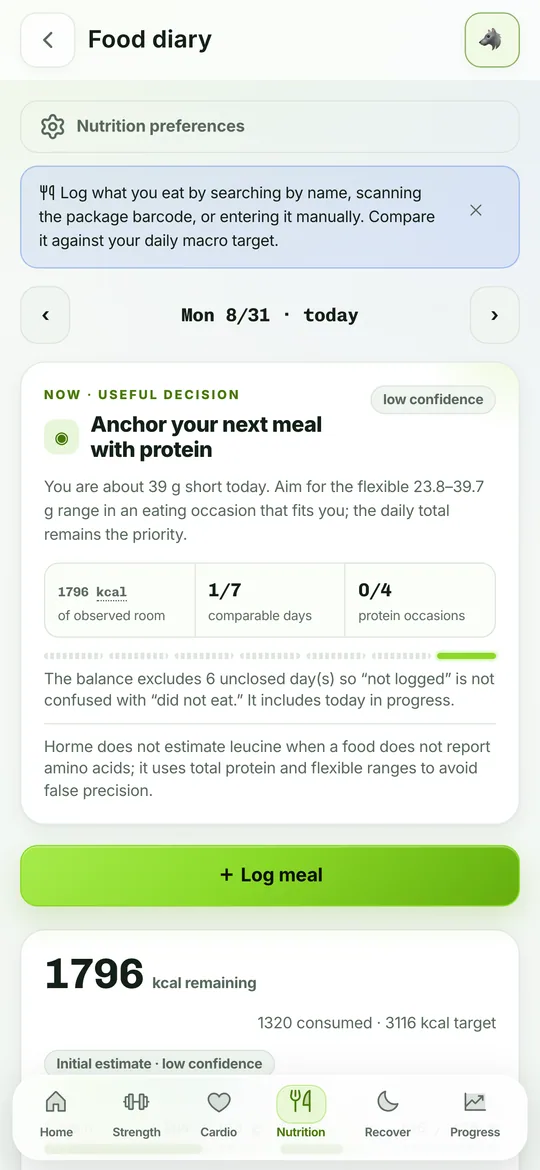
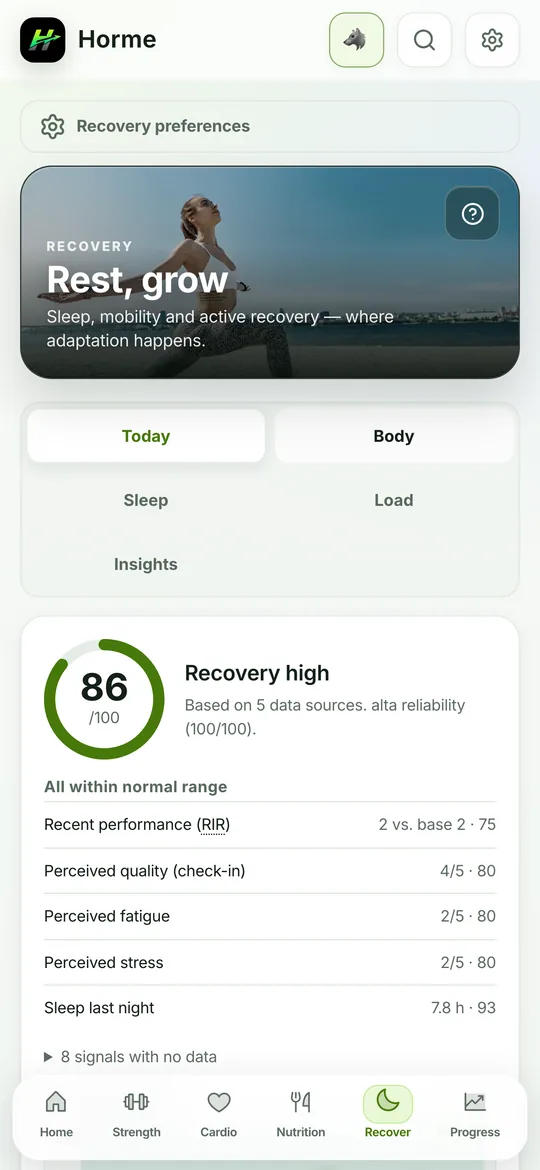
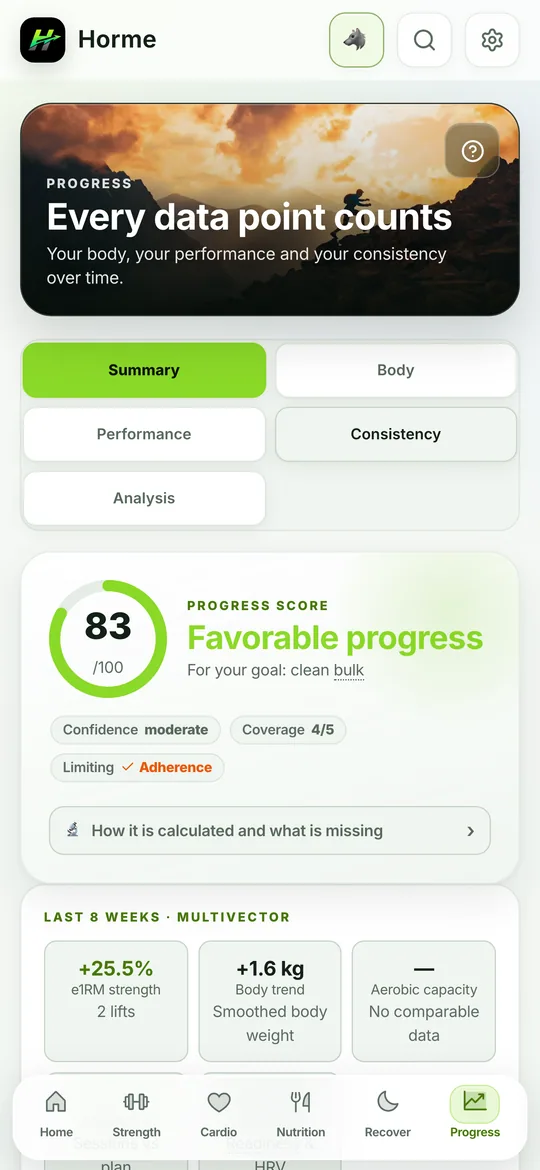
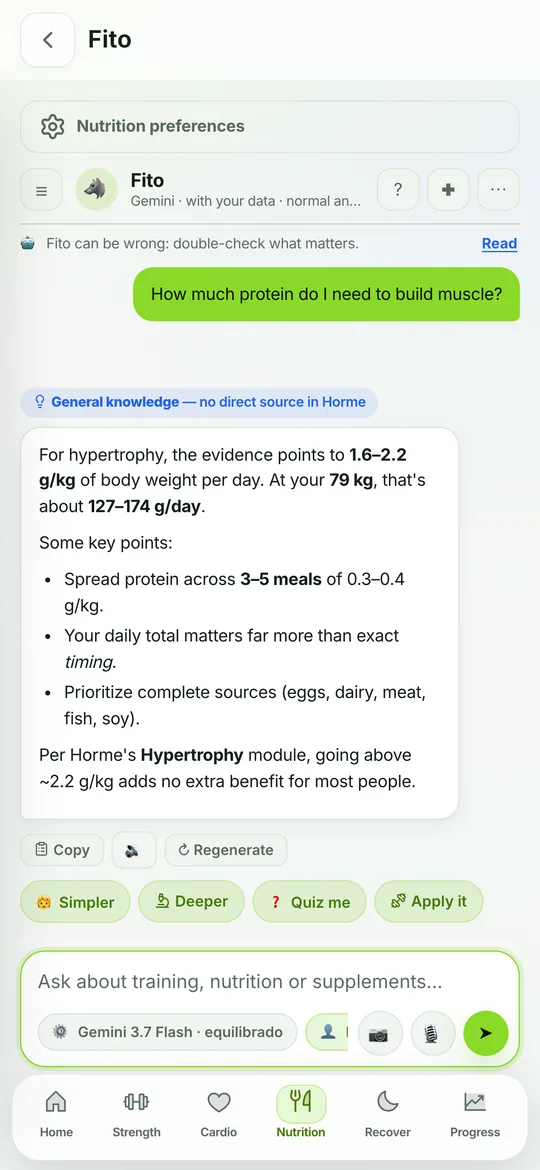
This is the app, untouched
Screenshots of the version that is live right now, not of a design that does not exist.
What about a desktop app?
There isn't one, and that's deliberate. Horme is used standing up, between sets, on your phone or your watch. For the other thing — sitting down to look at your numbers, compare months, review your volume — there's the web dashboard: sign in from any browser, nothing to install and nothing to update.What travels between devices and what doesn't
| Data | No account | With an account |
|---|---|---|
| Workouts, routines and records | That device only | Synced |
| Meals, weight, measurements and water | That device only | Synced |
| Settings, goals and streak | That device only | Synced |
| Progress photos | Your device only | Your device only |
| Conversations with Fito | That device only | That device only |
Before you install, just so you know
- Android 8 or newer. The Wear OS app comes bundled in the same download.
- It fits any phone: animations and data ship inside, with no follow-up downloads.
- No strange permissions. Camera for the scanner and plate photos; health to read your wearable. Both optional.
- You can leave whenever you want by exporting your entire history to a file.
All set
Download it, answer four questions and you have a plan.
Free. No account required. Works offline from the first launch.